
In this guide
Getting startedConnect Claude Code or CodexYour first sessionThe Inbox and statusesBring in a session from another terminalPet StudioTerminal themesPrivacy and safetyTroubleshootingUninstallStart here · 2 min read
Connect Claude Code or Codex
Agents Keeper runs the official command-line tools with your own login. You need one of them; both is fine.
Install what's missing
Setup lists what's already on your Mac and what's missing. Pick the tools you want and choose Install, or skip and add them later from Settings → Setup.
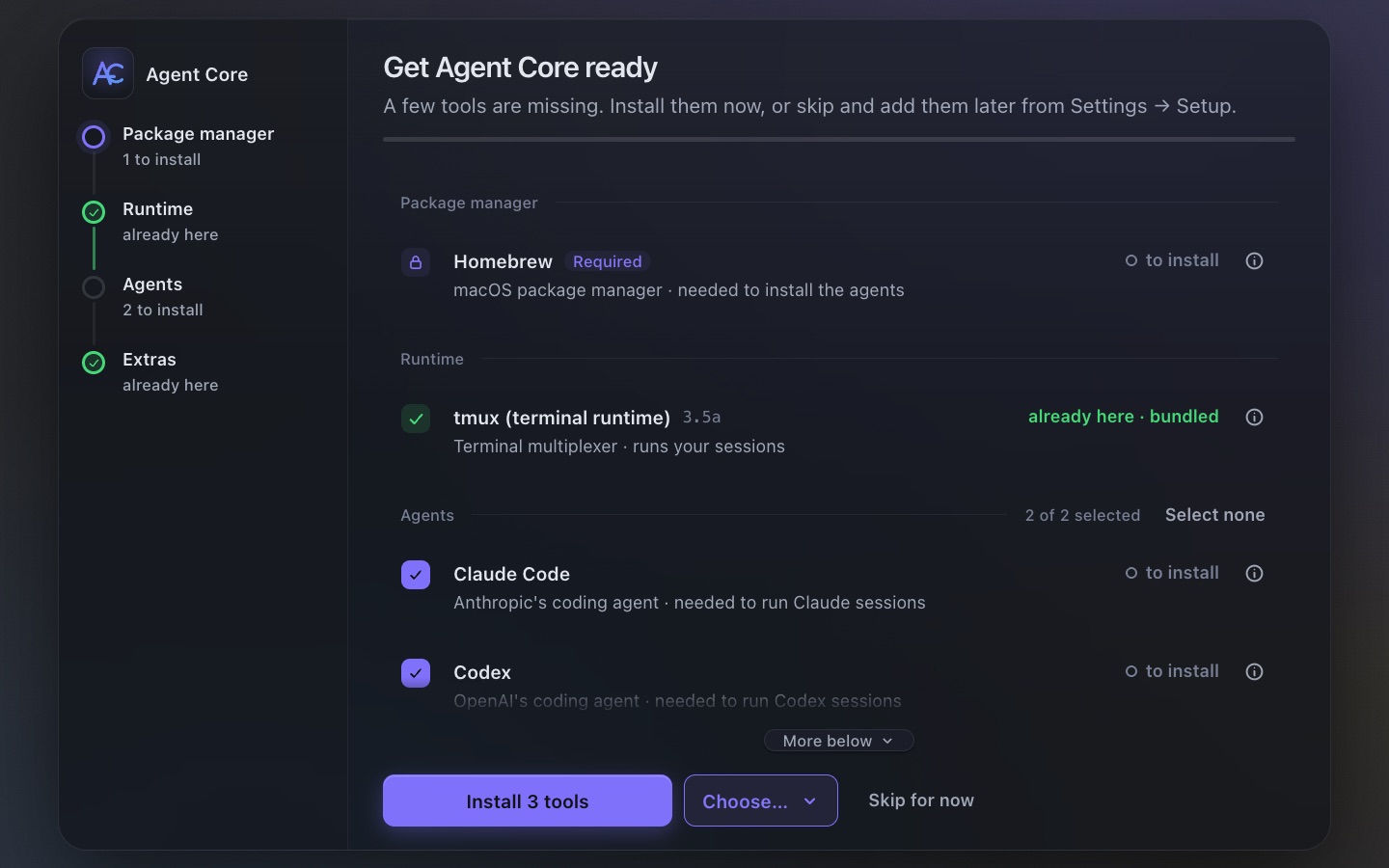
Sign in
- Open Terminal (or any terminal) and run
claudefor Claude Code, orcodexfor Codex. - Follow the login steps in your browser, with your Claude or ChatGPT account.
- Come back to Agents Keeper. Settings → Harnesses shows each tool as ready.
Agents Keeper never sees your password or tokens. It starts the same tools you would, under your login.