
Claude Code usage limits: how to check what you have left
By Nicolás Pinzón Aparicio · Updated
Type /usage in Claude Code to see your plan's usage bars and what used them; on Pro and Max there is a 5-hour session limit and a weekly limit, shared with your Claude chats, and Agents Keeper is a free desktop app that keeps a meter of your 5-hour and weekly windows, with the reset time, for Claude Code and Codex together.
With a Claude subscription, Claude Code doesn't bill you per token: it draws from your plan's limits, and when they run out you wait for the reset. Here is how those limits work as of November 11, 2026, how to check them by hand, and what to do when you hit one.
How Claude Code's usage limits work
| Plan | Limits that apply |
|---|---|
| Pro | A 5-hour session limit and a weekly limit |
| Max | A 5-hour session limit, a weekly limit, and a separate weekly limit for Fable |
| Ultra | A weekly limit and a separate weekly limit for Fable; verified Ultra accounts have no 5-hour limit |
| Team and Enterprise | A per-seat allowance on a rolling 5-hour window and a weekly window, sized by seat tier |
| API key (Claude Console) | No plan limits: you pay per token |
The limits are shared. Anthropic says all activity in Claude and Claude Code counts against the same limits, so a long chat on claude.ai leaves less for coding. Anthropic doesn't publish a fixed number of messages: how fast you use a window depends on the model, the size of your context and how many agents you run.
If the ANTHROPIC_API_KEY environment variable is set, Claude Code uses that key instead of your subscription, and you're billed at API rates. Check it if your plan usage looks untouched but you're being charged.
The manual way: check your usage
- In Claude Code, type
/usage. Subscribers see their plan usage bars, activity stats and a breakdown of what used the limit: skills, subagents, plugins and MCP servers, with suggestions. Pressdorwto switch between the last 24 hours and the last 7 days. - In the VS Code extension,
/usageopens an Account & usage dialog with the same breakdown and a Day and Week toggle. - In the browser, open Settings → Usage on claude.ai. Running
/usage-creditsin Claude Code on Pro, Max or Ultra opens the same page, where you turn usage credits on or off and set a monthly spend limit. - With an API key, the Session block at the top of
/usageshows the session's tokens and an estimated cost, worked out locally at list price.
Two caveats from Anthropic's docs: the /usage breakdown is computed from session history on this computer, so it leaves out other devices and claude.ai, and the dollar figure is an estimate, not your bill.
Codex: OpenAI's pricing page says to use /status during a Codex CLI session to see your remaining limits, or the usage dashboard at chatgpt.com/codex/settings/usage. As of November 2026 it gives five-hour estimates for Plus and Business, says Pro currently has no five-hour limit, and notes that weekly limits may also apply.
When you hit the limit
- "You've hit your session limit" or "weekly limit"
- The message says when the window resets. Switching models with
/modeldoesn't help, because these windows are shared across models. After a model-specific message such as "You've hit your Opus limit", switching to another model family does. - Keep working now
- Turn on usage credits to continue past the limit, switch to a Claude Console account billed at API rates, or upgrade (Pro to Max, Max to Ultra).
- Wait and continue
- From Claude Code v2.1.234, Claude Code can wait for the reset and continue the interrupted task on its own; see
/rate-limit-options. - Use less
/clearbetween unrelated tasks, Sonnet instead of Opus for routine work, fewer MCP servers, and a shorter CLAUDE.md. The/usagebreakdown points at what's using the most.
Watch your limits with Agents Keeper
/usage answers when you ask, one tool at a time. Agents Keeper is a free desktop app for macOS, Windows (native, no WSL) and Linux whose Usage page, at the bottom of the sidebar, keeps a meter of your 5-hour and weekly windows with the reset time, so you can pace a long week. It shows an approximate cost and cache savings across Claude and Codex, and an approximate cost per agent.
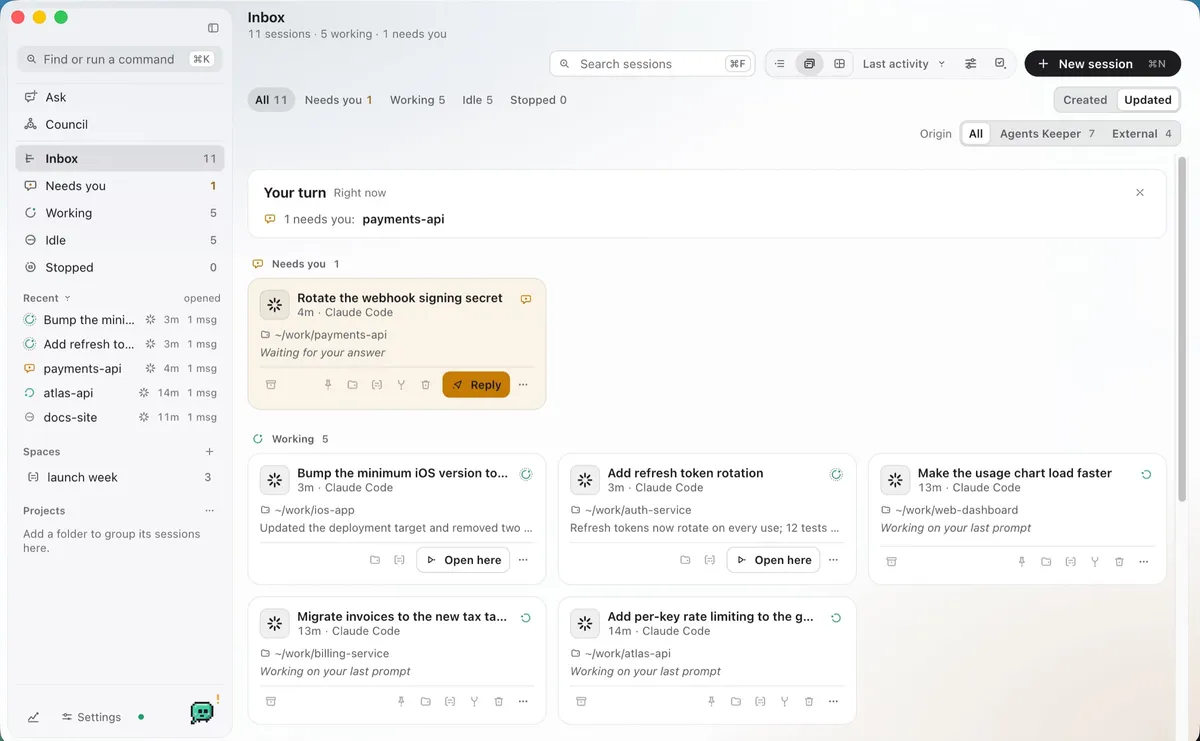
Usage and cost are worked out on your computer. Agents Keeper runs the official Claude Code and Codex tools with your own login and never calls the APIs on your behalf.
Running several agents makes the limits matter more: see how to run multiple Claude Code agents and the Claude Code and Codex managers compared.
Questions about Claude Code usage limits
- How do I check my Claude Code usage?
- Type
/usagein Claude Code. On a subscription it shows your plan usage bars and what used them; with an API key it shows the session's tokens and estimated cost. - Does Claude Code share limits with claude.ai?
- Yes. Anthropic says activity in Claude and Claude Code counts against the same limits on Pro, Max and Ultra.
- When does the Claude Code limit reset?
- Pro and Max have a 5-hour session window and a weekly window. The limit message, and the bars in
/usage, say when each one resets. - Why did my usage go up so fast?
- Claude Code sends the whole conversation with every request, so long sessions, subagents, scheduled tasks and several agents at once all add up. Anthropic recommends
/clearbetween tasks and checking the/usagebreakdown. - Can I see Claude Code and Codex limits in one place?
- Yes, with Agents Keeper: its Usage page shows your 5-hour and weekly windows and an approximate cost across Claude and Codex, worked out on your computer.
- Is Agents Keeper free?
- Yes. Agents Keeper is a free beta with no account. Claude Code and Codex use your own Claude or ChatGPT plan, or an API key.
Sources
Checked on